

Key Takeaways
Why Phone Security Is a Practical Concern
Most people think of phone security as something that only matters to high-profile targets. In reality, the average smartphone holds enough personal information — banking apps, email, health data, photos, saved passwords — to cause serious harm if it falls into the wrong hands. Theft, phishing, and malicious apps are everyday risks, not theoretical ones.
The good news is that the most effective defenses don't require technical expertise. They're habits — consistent, low-effort behaviors that meaningfully reduce your exposure. This article walks through the ones that actually move the needle, explained in plain language.
If you're newer to smartphones and want a broader foundation, our guide for first-time smartphone owners covers account setup and online safety from the ground up.
Core Security Practices Worth Building Into Your Routine
The following practices are drawn from widely recognized security guidance and address the most common real-world threat vectors for mobile users.
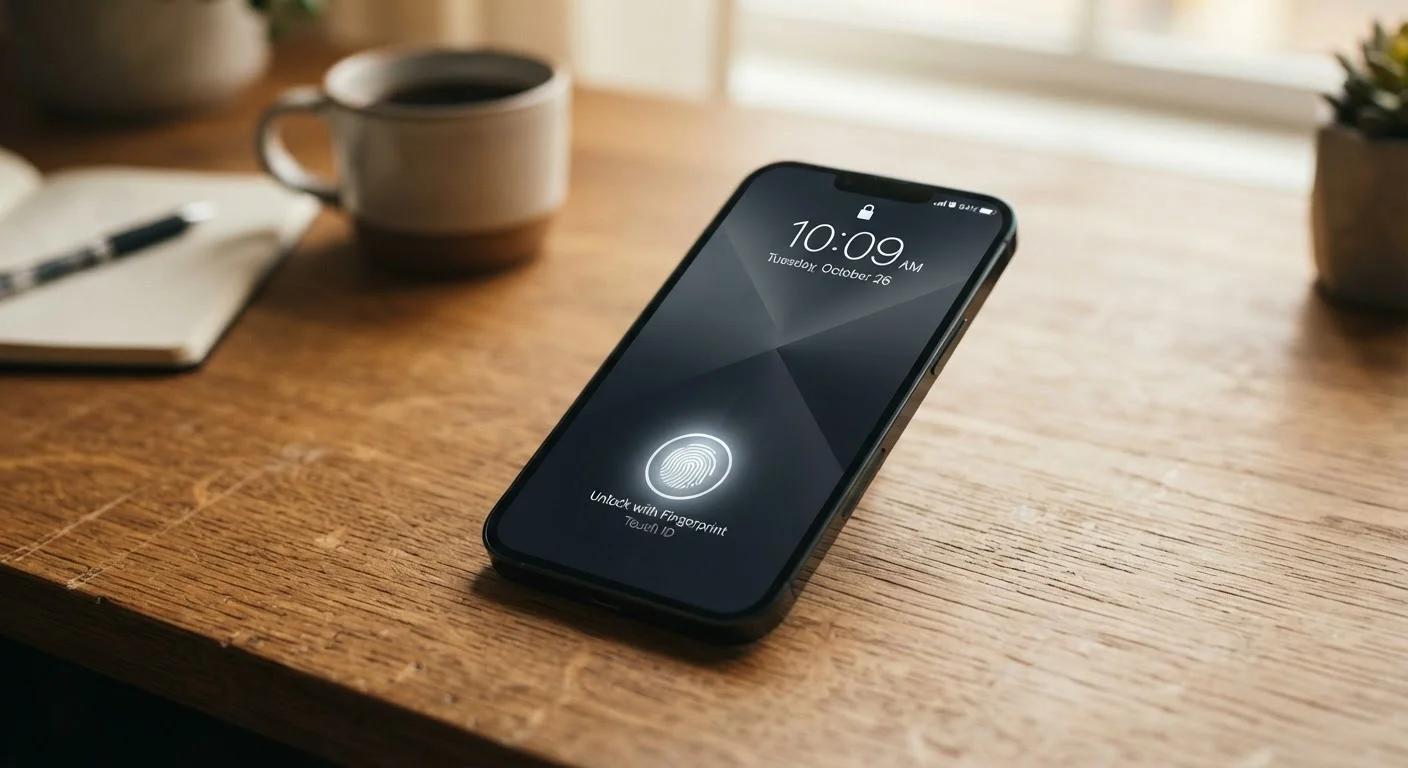
Use a strong lock screen — at minimum a six-digit PIN, ideally biometrics plus a PIN fallback.
Four-digit PINs have only 10,000 possible combinations and can be cracked quickly with the right tools. A six-digit PIN raises that to one million. Biometrics (fingerprint or face unlock) add convenience without sacrificing security, as long as a strong PIN is set as the backup.
Install software updates promptly — don't delay them indefinitely.
Operating system and app updates frequently contain patches for security vulnerabilities. When a vulnerability becomes public, attackers actively scan for unpatched devices. Delaying updates leaves a known door open.
Audit app permissions every few months and revoke what isn't necessary.
Many apps request access to your location, microphone, camera, or contacts far beyond what their function requires. These permissions represent potential data collection or exposure points. Removing unnecessary access limits what can be gathered without your knowledge.
Enable two-factor authentication (2FA) on your most important accounts.
Two-factor authentication requires a second verification step — typically a code sent to your phone or generated by an authenticator app — even if someone has your password. This makes stolen credentials significantly less useful to attackers.
Treat public Wi-Fi as untrusted and use a VPN when you must connect to it.
Public Wi-Fi networks can be monitored, and some are set up specifically to intercept traffic. Without encryption at the network level, data you transmit — including login credentials — can potentially be read by others on the same network.
Download apps only from official, platform-verified app stores.
Third-party or sideloaded apps bypass the vetting process that official stores apply. Malicious apps often mimic legitimate ones to steal credentials or install unwanted software.
For a deeper look at which settings to adjust right now, see the phone settings most people never touch — but should.
Quick Actions You Can Take Today
You don't need to overhaul your entire digital life at once. Start with the highest-impact changes and build from there.
A Note on Password Managers
Reusing passwords across accounts is one of the most widespread security weaknesses — if one site is breached, every account sharing that password is at risk. Password managers generate and store unique, complex passwords for every account so you only need to remember one master password. Both iOS and Android include built-in password management options, or you can use a standalone app with a strong privacy policy.
Keeping Your Phone Secure While Traveling
Travel introduces specific risks: public Wi-Fi in airports and hotels, physical theft in unfamiliar places, and crossing borders where device inspection is possible. Before any trip, enable full-device encryption (this is on by default on most modern iPhones and Android phones, but worth confirming), back up your data, and consider what apps and accounts are truly necessary on your device.
Avoid connecting to unknown Wi-Fi networks without a VPN. If you must use public Wi-Fi, avoid logging into financial accounts or anything sensitive. For a broader pre-travel checklist that includes your phone and other easy-to-forget items, see our pre-travel checklist.
80%+
Of breaches involving stolen or weak credentials
Verizon's Data Breach Investigations Report has consistently found that the majority of breaches exploit weak, reused, or stolen passwords — underscoring why strong authentication matters.
1 in 36
Mobile devices with high-risk apps installed
According to Symantec's Internet Security Threat Report, a significant share of mobile devices carry apps classified as high-risk at any given time.