

Key Takeaways
The Power Strip Assumption That Puts Your Devices at Risk
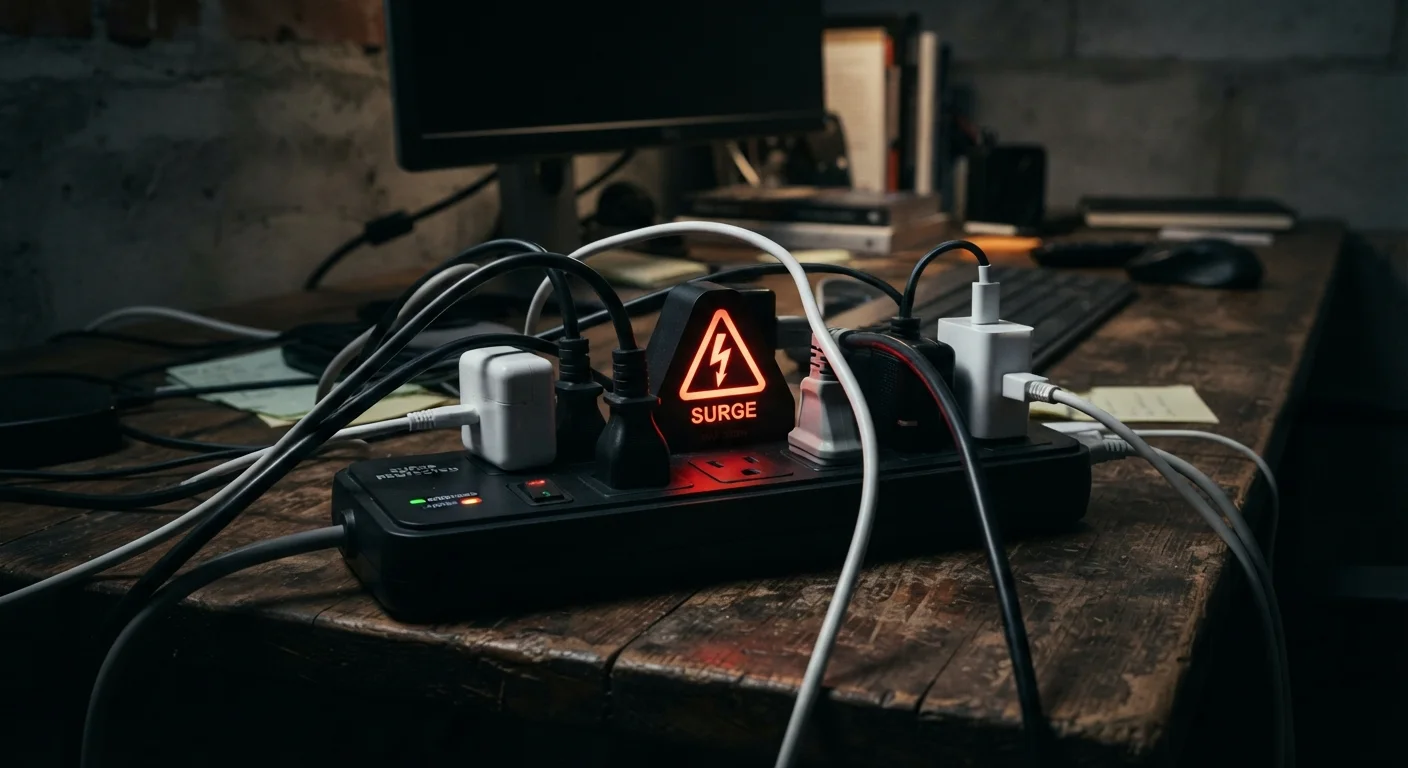
Walk through almost any American home and you'll find power strips multiplying under desks, behind TVs, and along baseboards. Most people treat them as interchangeable — a convenient way to multiply outlets. But plugging your laptop, smart TV, or gaming console into a standard power strip is no different, electrically speaking, than plugging it directly into the wall. There is no protection happening whatsoever.
A voltage surge — a brief, sharp spike in electrical current — can be triggered by lightning strikes, utility switching, or even large appliances like air conditioners cycling on and off. These spikes can degrade sensitive electronics over time or destroy them in an instant. Understanding what actually stands between your devices and that risk is one of the more consequential pieces of knowledge a device owner can have. See our common device-damaging assumptions for other well-intentioned mistakes that often backfire.
Myth
Any power strip with multiple outlets protects my devices from power surges.
Fact
Standard power strips provide no surge protection at all — they are simply extension cords with additional outlets.
The only functional difference between a basic power strip and a wall outlet is the number of plugs available. Neither contains any circuitry to detect or absorb voltage spikes. The term "power strip" carries no implied protection; only a product explicitly labeled as a surge protector with a joule rating contains the components needed to shield your electronics.
Myth
If a surge protector still lights up and powers my devices, it's still protecting them.
Fact
A surge protector can continue supplying power normally even after its protective components have been fully depleted.
The MOV inside a surge protector degrades with each surge it absorbs. Once depleted, the unit functions as nothing more than a regular power strip — still passing electricity through, but providing no protection. Only surge protectors with a dedicated protection indicator light (separate from the power light) will signal when this has occurred. Relying on the power light alone is not a reliable safety check.
Myth
Surge protectors guard against all types of electrical damage, including outages and brownouts.
Fact
Surge protectors address voltage spikes only. They do not protect against power outages, brownouts, or sustained overvoltage.
A surge protector's sole job is to clamp excess voltage during a spike. It cannot supply power during an outage, compensate for the low voltage of a brownout, or correct sustained high voltage conditions. For those threats — particularly relevant for desktop computers and network equipment — an UPS (uninterruptible power supply) is the appropriate tool, as it includes a battery and often incorporates surge protection as well.
Myth
A cheap surge protector is just as effective as an expensive one.
Fact
Joule rating, clamping voltage, and build quality vary significantly between surge protectors and directly affect how well your devices are shielded.
Two surge protectors can look nearly identical while offering very different levels of protection. Key specifications to compare include the joule rating (higher is better for cumulative protection), the clamping voltage (the threshold at which the device begins diverting current — lower is generally safer for sensitive electronics), and whether the unit meets the UL 1449 standard, the benchmark safety certification for surge protective devices in the United States. Price alone is not a reliable proxy for quality, but extremely low-cost units often lack meaningful ratings or certifications.
How Real Surge Protection Works — and When It Stops Working
Genuine surge protectors use a component called a MOV (metal oxide varistor) to absorb excess voltage and divert it safely to ground before it reaches your devices. The effectiveness of a surge protector is measured partly in joules — the higher the joule rating, the more surge energy it can absorb over its lifetime. A device rated at 1,000 joules provides meaningfully more cumulative protection than one rated at 200 joules.
Check Your Surge Protector's Protection Indicator
Many households are running electronics through surge protectors that have already exhausted their protective capacity. Look for a dedicated "Protected" or "Protection Active" indicator light — distinct from the main power light — on any surge protector you own. If your unit lacks this feature or the indicator is off, the device may no longer be providing any surge defense. Do not assume a functioning power light means your electronics are shielded.
Surge protectors also wear out. Each surge they absorb depletes their capacity. Many units include an indicator light that signals when the MOV has been fully depleted — but not all do, and many consumers don't know to look for it. A dead surge protector may still power your devices normally while offering zero protection. Replacing surge protectors every few years, or after any known major surge event, is a reasonable precaution for devices you consider high-value.
For comprehensive defense, many electricians recommend pairing point-of-use surge protectors with a whole-home surge protector installed at the main electrical panel. This two-layer approach handles both large external surges (like nearby lightning) and smaller internal surges generated by appliances within your own home. Consult a licensed electrician before having any work done at your panel. Good protection habits are just one part of keeping your devices running longer — the full guide to extending electronics life covers heat, storage, and software habits as well.
~$26B
Annual US losses from power surges
Industry estimates suggest power surge-related damage costs American consumers and businesses tens of billions of dollars annually in equipment losses and downtime.
60–80%
Surges originating inside the home
Electrical engineers widely note that the majority of damaging voltage fluctuations are generated internally by large appliances, not by external events like lightning.
For a broader look at setting up and maintaining your devices safely, the complete consumer electronics ownership guide walks through everything from initial setup to responsible disposal.