

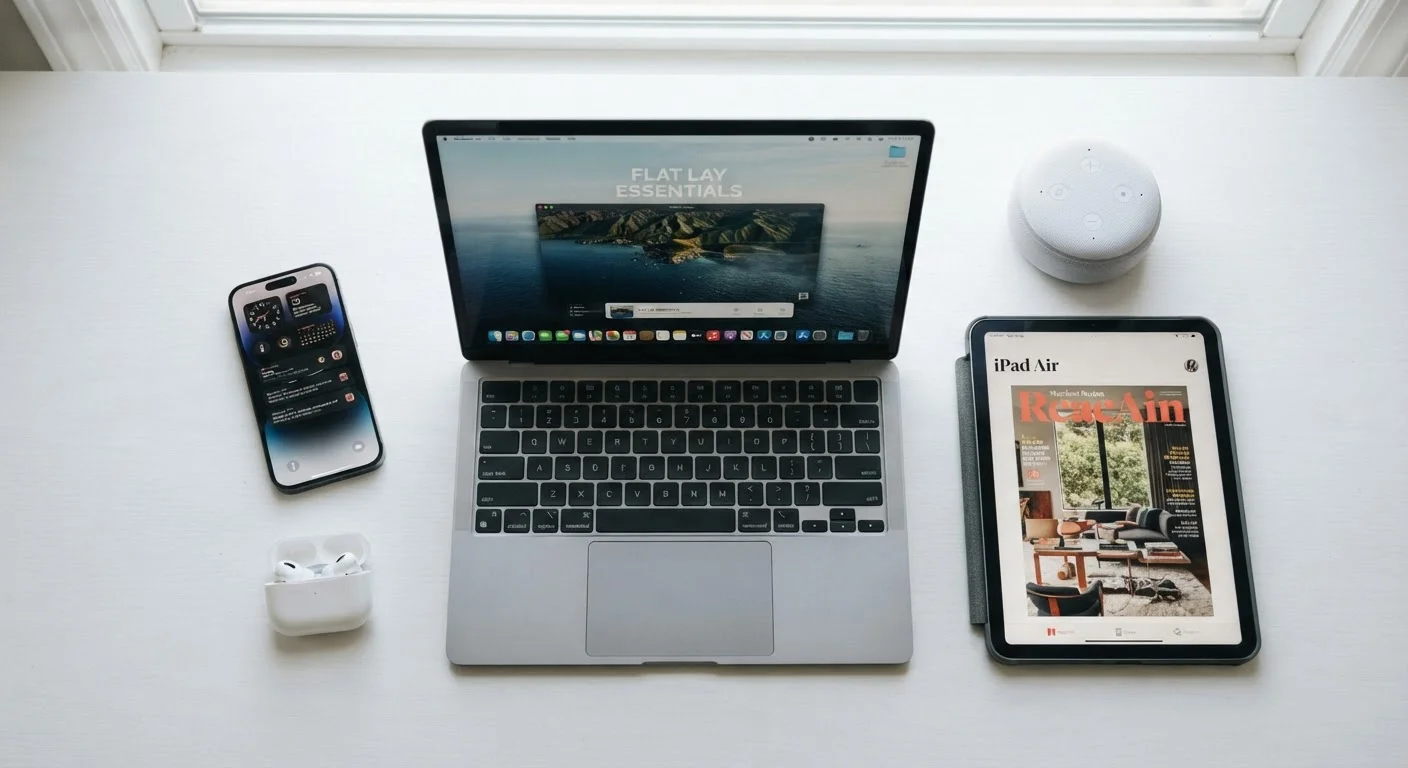
| Smartphone | 3–5 years (Consumer Electronics Association general guidance) |
| Laptop | 4–6 years (Industry average for consumer-grade hardware) |
| Smart Speaker | 3–5 years (Dependent on manufacturer software support) |
| Tablet | 4–6 years (Varies by OS update policy) |
| Wireless Earbuds | 2–4 years (Battery degradation is primary limiting factor) |
| Desktop Computer | 5–8 years (Longer with component upgrades) |
| Flat-Screen TV | 7–10 years (Panel technology and usage hours vary) |
| Wi-Fi Router | 4–7 years (Often replaced due to firmware support end) |
How Long Do Common Household Electronics Actually Last?
Electronics don't last forever, but most people replace devices long before they've truly worn out — or hold on well past the point where repair makes sense. Understanding realistic lifespans helps you budget, troubleshoot, and make smarter decisions about when to keep and when to move on.
| Smartphone | 3–5 years (Consumer Electronics Association general guidance) |
| Laptop | 4–6 years (Industry average for consumer-grade hardware) |
| Smart Speaker | 3–5 years (Dependent on manufacturer software support) |
| Tablet | 4–6 years (Varies by OS update policy) |
| Wireless Earbuds | 2–4 years (Battery degradation is primary limiting factor) |
| Desktop Computer | 5–8 years (Longer with component upgrades) |
| Flat-Screen TV | 7–10 years (Panel technology and usage hours vary) |
| Wi-Fi Router | 4–7 years (Often replaced due to firmware support end) |
These figures represent typical use under normal household conditions. Heavy use, poor storage, or software abandonment by manufacturers can shorten them significantly. Before assuming a device has reached end of life, it's worth a basic diagnostic — see common troubleshooting steps that many people overlook.
What Actually Causes Electronics to Wear Out
Most consumer electronics fail for a handful of predictable reasons. Understanding them helps you extend the life of what you own.
Charge Cycle
One complete discharge and recharge of a battery, from 100% to 0% and back. Lithium-ion batteries are rated for a specific number of cycles before capacity degrades noticeably.
Thermal Throttling
A safety mechanism where a processor automatically slows itself down to prevent overheating damage. Frequent throttling is a sign a device is running hotter than intended.
End of Support (EOS)
The date after which a manufacturer stops issuing software updates or security patches for a device. Hardware may still work after EOS, but security and compatibility risks increase.
Solid-State Drive (SSD)
A storage device with no moving parts, using flash memory chips instead of spinning platters. SSDs are generally more durable and longer-lasting than traditional hard disk drives.
Heat
Heat is the single most damaging environmental factor for electronics. Processors, batteries, and circuit boards all degrade faster when they run hot consistently. Devices left in direct sunlight, used on soft surfaces that block vents, or stored in hot cars accumulate thermal damage over time.
Battery Degradation
Lithium-ion batteries — used in smartphones, laptops, earbuds, and tablets — lose charge capacity with each charge cycle. A battery rated for 500 full cycles will typically retain around 80% of its original capacity at that point. After that, decline accelerates. This is why a three-year-old smartphone often can't hold a charge the way it once did, even if the rest of the device works fine.
Software and Support Cutoffs
Hardware often outlives its software support. When a manufacturer stops issuing security patches or OS updates, a device may still function but becomes increasingly vulnerable and incompatible with newer apps. This is especially common with Android phones and smart home devices, where support windows vary widely by manufacturer.
Mechanical Wear
Moving parts wear out. Laptop hinges, keyboard switches, hard drive platters (in older spinning-disk drives), and headphone cables at stress points all have finite mechanical lives. Devices with fewer moving parts — like solid-state drives or smart speakers — tend to outlast those with more.
~500
Typical lithium-ion battery charge cycles before 80% capacity
A commonly cited industry benchmark for consumer lithium-ion battery performance over time.
3–5 years
Average smartphone replacement cycle in the US
Reflects general consumer behavior patterns reported by industry analysts tracking device upgrade trends.
For a deeper look at how simple habits affect device longevity, everyday habits around heat and storage can make a measurable difference.
Device Lifespans at a Glance and What to Do Next
Knowing when a device is likely to decline gives you a planning window — not a hard deadline. A well-maintained laptop can exceed its typical lifespan; a phone that ran hot for two years may fall short. Treat these ranges as informed estimates, not guarantees.
When a device does start to struggle, the question isn't always "replace or repair." Sometimes a battery replacement, a software reset, or a storage upgrade adds years of useful life at a fraction of replacement cost. The complete guide to consumer electronics ownership covers everything from setup through responsible disposal, including when recycling is the right call.
Software Support Is Part of Lifespan
A device's useful life ends not just when hardware fails, but when it no longer receives security updates. For example, many budget Android phones receive only one to two years of OS updates. Even if the phone runs fine, operating on an unsupported OS exposes users to unpatched security vulnerabilities. Always check a device's stated support window before purchase, and factor it into your replacement planning.
Finally, lifespan isn't just about hardware. A device that no longer receives security updates carries real risk, even if it runs perfectly. Factor software support windows into your replacement timeline — not just whether the screen still turns on.