

Key Takeaways
Our Verdict
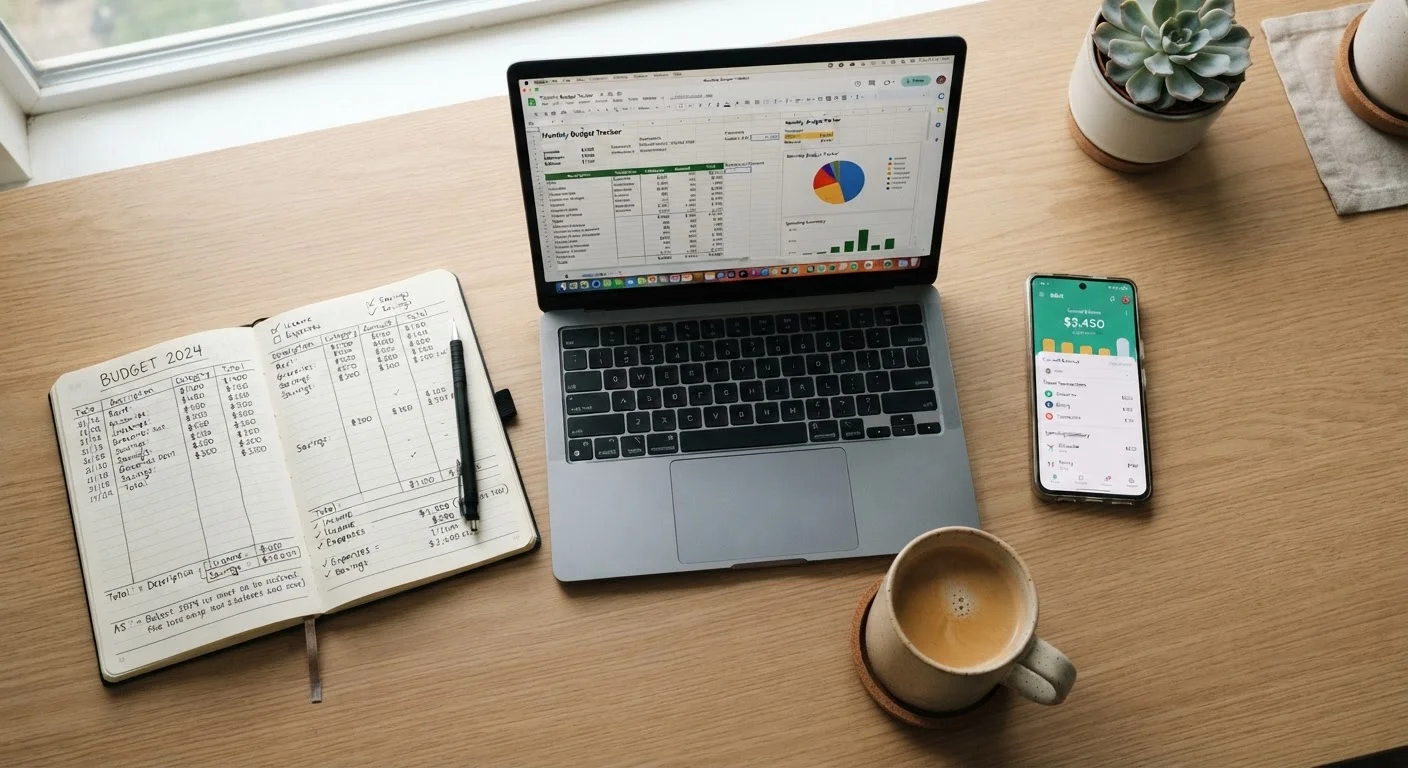
Paper budgets work best for people who value simplicity and spend cash regularly, while spreadsheets suit those comfortable with formulas who want full control over their data. Apps are the practical default for anyone with a busy schedule who prefers automation over manual tracking. Consistency in any format beats a theoretically superior tool you never actually use.
| Best for | Recommended |
|---|---|
| Those who prefer simplicity and minimal tech | Paper budget |
| Data-oriented people who want total customization | Spreadsheet |
| Busy individuals who want automated transaction tracking | Budgeting app |
| First-time budgeters testing the waters | Paper budget |
Why the Format You Choose Actually Matters
The budgeting method you pick isn't just a personal preference - it directly affects how long setup takes, how much effort you'll spend each week, and whether you'll still be using it three months from now. If you're new to budgeting, choosing a format that matches your habits is often more important than picking the "right" numbers.
Each of the three main formats - paper, spreadsheet, and app - makes different demands on your time. Understanding those demands upfront prevents the common scenario where someone builds an elaborate system, uses it for two weeks, and abandons it when life gets busy. The goal here isn't to sell you on one approach; it's to give you an honest picture of what each one actually costs in time and cognitive effort.
Paper Budgeting: Low Tech, High Discipline
Setup time: 15-30 minutes. A paper budget requires nothing more than a notebook or printed template. You list your income, write out expense categories, and assign dollar amounts. There's no software to learn, no account to create.
Ongoing effort: High. Every transaction must be recorded manually. If you pay for groceries with a card, you need to transfer that amount to your notebook - ideally the same day, or you'll forget. For people who use cash frequently, this friction is minimal. For card-heavy spenders, it adds up fast.
Flexibility: Good. You can redesign your layout any time with a pen. But corrections and recalculations are done by hand, which slows you down when income or expenses shift mid-month.
The biggest risk with paper is that its simplicity can mask gaps. It's easy to undercount irregular expenses - car registration, annual subscriptions - unless you've already thought through the three core expense types. Paper works well as a starting point, particularly for people who find screens distracting or who want a tactile connection to their finances.
Start Simple, Upgrade Later
If you've never budgeted before, start with paper for one full month before committing to a spreadsheet or app. The manual process forces you to notice where your money actually goes - a foundation that makes any subsequent format more effective. You can always migrate to a more automated system once you understand your own spending patterns.
Spreadsheets: Powerful but Demanding
Setup time: 1-3 hours for a functional template; longer if you're building category breakdowns or multi-month tracking from scratch. Pre-built templates (available through most office software suites) reduce this, but customising them still requires familiarity with formulas.
Ongoing effort: Moderate. Spreadsheets don't pull in transactions automatically. You still enter data manually, but the math handles itself once formulas are in place. A well-structured spreadsheet can flag overspending, project end-of-month balances, and track trends across months - none of which paper does easily.
Flexibility: Very high. You can build exactly the structure you want: envelope-style columns, savings goals, debt payoff trackers. This is the format's greatest strength and its biggest pitfall - over-engineering your spreadsheet is a real risk, especially for beginners.
Spreadsheets suit people who are comfortable with basic formulas (SUM, IF statements) and who want data ownership without a subscription fee. If you've ever felt limited by an app's preset categories, a spreadsheet solves that. The trade-off is that the system only works if you update it regularly - and that discipline is entirely on you. For context on what can derail even well-structured budgets, see common first-time budgeting mistakes.
| Paper Budget | Spreadsheet | Budgeting App | |
|---|---|---|---|
| Setup time | 15-30 minutes | 1-3 hours | 20-45 minutes |
| Ongoing weekly effort | High - fully manual | Moderate - manual entry, auto math | Low - mostly automated |
| Learning curve | Very low | Moderate (formulas required) | Low to moderate |
| Flexibility / customisation | Good, but slow to recalculate | Very high | Moderate, preset structures |
| Cost | Near zero | Near zero (software may cost) | Often subscription-based |
| Data privacy | Complete - no accounts | Complete - local file | Requires sharing bank access |
| Best for trend tracking | Poor | Excellent | Good |
Budgeting Apps: Automation With Trade-Offs
Setup time: 20-45 minutes to link accounts, set category limits, and configure alerts. The initial connection to your bank is usually the most time-consuming step, and some financial institutions restrict third-party access.
Ongoing effort: Low to moderate. Most apps pull in transactions automatically and categorise them - though you'll still spend a few minutes each week reviewing and correcting miscategorised charges. Alerts and monthly summaries reduce the need for active monitoring.
Flexibility: Moderate. Apps offer preset category structures that work well for most people but can feel rigid for those with unusual income patterns or complex financial lives. See the honest trade-offs of strict budget categories for a deeper look at that tension.
The real costs of app-based budgeting aren't always visible upfront. Many capable apps carry monthly or annual subscription fees. More significantly, linking your bank accounts means sharing sensitive financial data with a third party - a trade-off worth evaluating consciously. Anyone weighing digital versus analog tools more broadly will find a useful framing in matching the tool to your habits.
App Subscriptions Can Erode Your Savings
Several well-known budgeting apps charge between $8 and $15 per month. Over a year, that's up to $180 - a meaningful cost if the app isn't delivering proportional value. Before committing, check whether a free tier meets your needs or whether a one-time spreadsheet template would accomplish the same goals at no ongoing cost.
This article is for informational purposes only and does not constitute personalised financial advice. Consult a qualified financial professional for guidance specific to your situation.